

Tired of coming home exhausted and still having to cook, budget, edit videos, and remember everyone’s birthdays?
You’re not lazy. You’re just out of energy. Most people think being productive means doing more. But the truth is that sometimes less is more, and real progress comes from automating or delegating the boring stuff.
So here’s a list of the top 7 ways I automated or delegated things in my life and made myself more productive while doing less. By the end of this, you’ll have a game changing list of tools that save you hours each week.
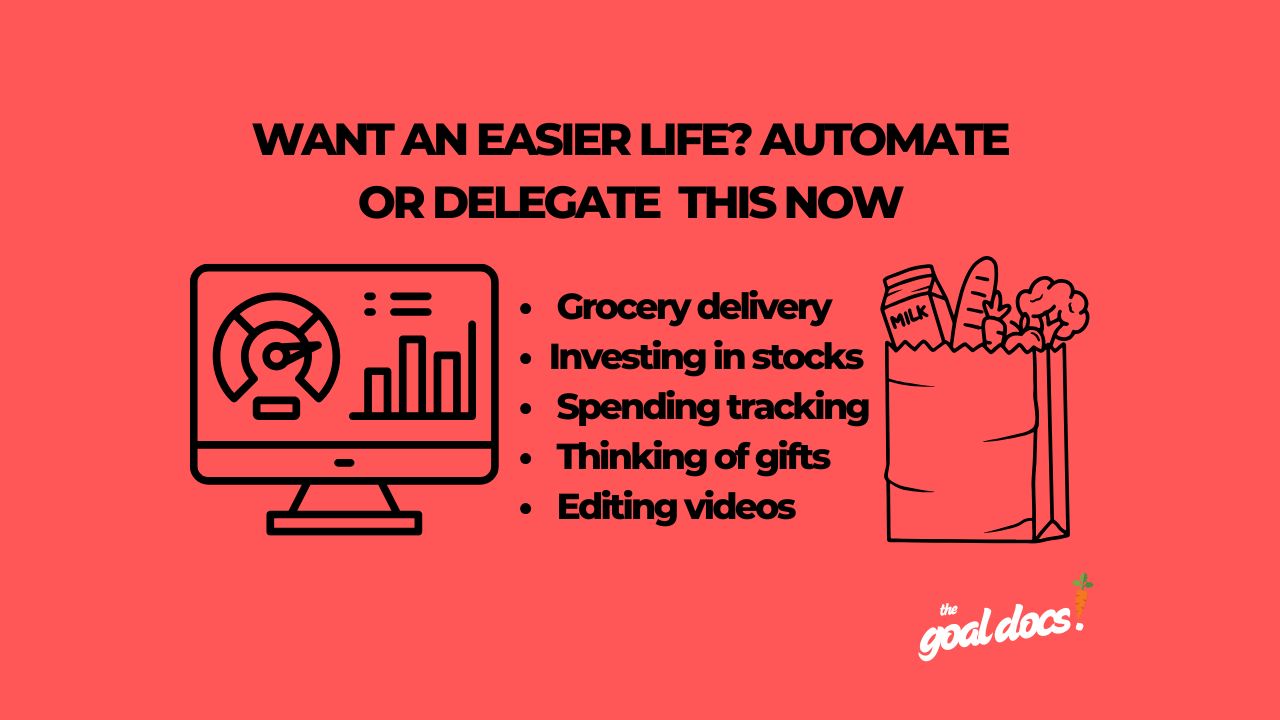
#7: Automate your investing.
These days, everyone with a cell phone has the ability to grow their money through investing. The only barrier is not knowing how to start. So here are 4 easy ways anyone can start automatically investing in assets today:
Stock market – Open your investing app like Robinhood or Stash. Then set up an automatic transfer(even just $1) into something that grows over time. Set up a recurring “auto-invest” for an S&P 500 ETF like VOO or SPY. You can do this in almost any investing app. Start with $5/week.
Bitcoin – Use an app like Robinhood or Cash App. Set up a similar “auto-invest” for $5/week. Treat it like a tiny bill you pay yourself first.
Roth IRA – Open a Roth IRA at a brokerage like Vanguard, Fidelity, or Charles Schwab. Set a small recurring transfer from your bank account to the brokerage. Then set another “auto-invest” so that the app takes whatever is in your Roth IRA and puts it into an index fund without you thinking about it.
And if your job offers a 401k with a match, enroll in it. The money comes straight from your paycheck before you ever see it.
When the money lands in your investing or retirement account, leave it alone. Don’t treat that account like a savings account you can dip into. Over time, the money will grow or pay dividends. If you turn on automatic dividend reinvestment(most apps have this feature), those profits buy more shares automatically.
#6: Get your groceries delivered so you’ll actually cook

Sometimes I want to cook because I find it relaxing and enjoyable. But you know what I don’t enjoy? Going to the grocery store after work. If I’m tired and there aren’t enough groceries at home for me to cook a meal, I will order from Uber Eats almost 10 times out of 10 instead of going to a store.
The fix is to treat ordering groceries like ordering takeout.
Ordering groceries from a store on DoorDash takes about the same 10 minutes as ordering from a restaurant. The difference is that groceries usually cost less because the same money gets you more meals. $50 spent at the grocery store can get you dinner for 3 nights while the same $50(including fees and tax) at a restaurant just gets you dinner for 1 night.
Now when I come home and the fridge is empty, I don’t panic. I just tap a few buttons and the food shows up. No more fast food shame.
#5: Let someone else cook dinner so you don’t eat fast food again

You work all day until you’re tired, then get home and still need to eat. But the fridge is empty or you don’t feel like cooking tonight. So you open Uber Eats and spend $40+ on a burger and fries that makes you feel awful an hour later.
If I had a dollar for every time I’ve done that, I’d never need to work a job again. If you’re anything like me and wish there was a less expensive solution, the fix is ordering pre‑made meals that actually taste good.
For meal services, I tried Blue Apron, Hello Fresh, and Factor. For me, Factor was the best by a mile. Factor gives me all protein, veggies, and good taste, plus the convenience of zero cooking. I just put a meal on my stove for 5 minutes and dinner is done.
It’s not cheap. But it’s still a lot less than Uber Eats or DoorDash if you use one of these apps on a regular basis.
#4: Automate your money tracking so you stop leaking cash

You think you know exactly how you’re spending your paychecks, but you don’t. I didn’t either until I downloaded an app called Rocket Money to track my spending habits.
The app tracks every subscription. It shows you when you’re overspending on stuff like Uber Eats or vending machine snacks. It even helps you cancel things you forgot you were paying for. I found a Netflix subscription I hadn’t used in 6 months because I thought I cancelled it. Now I’m saving $15/month because I finally let the subscription go.
For Rocket Money to track and categorize your spending, you set it up once. Then you check the app once a week to make sure you’re staying within your limits. That’s it.
#3: Use AI to think of gifts so you never show up empty‑handed

I can be thoughtful when I try. But when 3 birthdays and a holiday hit the same month, my brain shuts down. Thinking of gifts for my friends and family isn’t even fun at that point.
To get around this and avoid feeling burned out every holiday, I’ve started letting AI think of gifts for me.
I just copy the prompt below(inspired by the book “Giftology” by John Ruhlin), paste it onto an AI, fill in the blank where you see “(?)”, and let the technology do the hard work for me.
“Hey AI, please give a list of gift ideas for my considering the following rules and questions --- Rules: The gift must be something they’ll use 5+ times in the next month. Ideally it would be something their family, friends, or coworkers can benefit from too. No food or beverages. No gift cards. Nothing with my logo on it --- Questions: What do I know about their goals, problems, recent wins, likes, age, gender, or profession? - (?)”
The AI spits out 10 ideas. I pick one. Then I get it shipped to myself first, add a handwritten note, and send it. When I’ve come up with gifts this way, the person has always felt special. I’d recommend this to anyone, especially if you have a wife or girlfriend.
#2: Stop editing videos by hand and use software instead

I love making content. Writing blog posts, recording videos, and even coming up with captions are fun for me. But when it comes to video editing, I HATE that part. I find it so grueling and time consuming that I almost hired someone in the Philippines to do the work for me for $400‑$700 a month.
Then, I found a website called Descript for $35 a month.
It works better than a human editor would have and literally costs 10x less. With Descript, you edit the video like you’re editing a document. So you just need to be able to alter words, not videos. It’s not perfect, but it saves me hours.
If you hate editing like I do, just try Descript. Don’t even second guess it. You’ll save time and a pile of cash.
#1: Keeping in touch with friends and family
First, you’ll have to go through your phone’s contacts and decide who you want to keep in touch with. You DON’T need to keep in touch with everyone on your phone to maintain your connections.
Step 1 – Think about the groups you’ve been a part of in life. For me, the significant groups I can remember being a part of are: high school football & basketball, college track & field, each job I worked in my 20s, and relatives I’ve known my whole life. Write down each group that you've been a part of.
Step 2 – Looking at your list, the next step is to scroll through your contacts and pick 1 or 2 people per group that you’ll keep in touch with. Then write down their names.
Step 3 – Now that you’ve decided on who you’ll keep in touch with, you’ll need to decide on how often to keep in touch with them. For most people, you just need to reach out every 3 to 6 months. The easiest way I’ve found to do this is to organize the people I wanna stay in touch with by the first letter of their first names. I organize them into groups. Those groups are:
1(ABC), 2(DEF), 3(GHI), 4(JKL), 5(MNO), 6(PQR)
1(STU), 2(VWX), 3(YZ)
Then, on the day that I go to send messages, I search “dice roll” on Google. Whatever number it lands on is the group I reach out to. This makes things random so it doesn’t seem robotic when I reach out to people. Plus it’s fun for me too.
Step 4 – Finally, you’ll need to move your setup from steps 1 through 3 over to a mass texting app.
In order to delegate communicating with people you know, you need an app that allows you to send an individual message to multiple people at once. I’m NOT talking about a group chat where multiple people receive the same message in the same text thread. Instead, here’s an example of what I mean:
You think of 10 people you haven’t talked to in a while.
You type one message like “Hey, haven’t seen you in a little while. How have you been?” and push send.
The message is sent to each of the 10 people individually, as if you had texted them the same message one by one.
The nice thing is that with an app like this, you just need to send one mass text per month and do a good job of responding when people message you back in order to keep in touch with your friends and family. One text per month, and you could be the most social, well connected person you know.
The app that I’ve used to do all of this is called “Reach”. You can find it by searching “Reach” on the app store or the google play store. Then download it. You’ll also need to download the Reach extension app.

The big step is to write a message and send it to one of your groups. Don’t think too much about what to say. Instead, just go to an AI app like ChatGPT and enter the prompt “Hey AI, I’m looking to message multiple people the same message, but separately. I need a message that can go to each person without saying their name but still seems personalized enough to not be weird. What can I say?”
And whatever idea it gives you, start with that and edit the message to fit what you’d normally say. The message I sent when I first did this was “Hey, it’s Nick. Just checking in because I haven’t talked to you in a while. How are you?”. And everybody responded to the message as if they just thought I had only messaged them. They had no idea that I had messaged a bunch of people at once.